Record-keeping
How to keep an iron supplement log you will actually keep
What to write down, how little you can get away with, and why a missed day is a record rather than a failure. A practical guide, with a free printable tracker.
By FerroLady · Updated · 4 min read
When you are asked how you have been getting on with a supplement, memory is a poor record. Most people remember the last few days and a general feeling. A log gives you the actual answer, and the person you are talking to the same facts you have.
What is worth writing down
- The date, and whether you took it or skipped it.
- The product name and strength exactly as printed on the label, and anything that changed (a different brand, a new schedule your prescriber gave you).
- The time, if the time varies. If it never varies, you do not need to repeat it.
- Anything you noticed afterwards, in your own words and without needing to explain it.
Keep it small enough to survive a bad week
The best log is the one that takes ten seconds. A tick for taken, a dash for skipped, and a few words when something is worth noting. If a log needs a lot of effort it stops during exactly the weeks you would most like it to have continued.
Tying it to something you already do every day, such as brushing your teeth or making a drink, tends to be easier than relying on remembering. It is a habit trick, nothing more clinical than that.
A skipped day is a record, not a failure
A log that makes you feel judged gets abandoned. Write skipped days down in the same way as taken ones, with a reason if you know it. A complete log with gaps in the supplement is more useful than a tidy one with gaps in the log.
What the log is for
It is for the conversation with whoever prescribes or advises on your supplement. Questions about dose, timing or whether to continue belong to them. Bring the log, say what happened, and let them decide what it means.
Paper or app
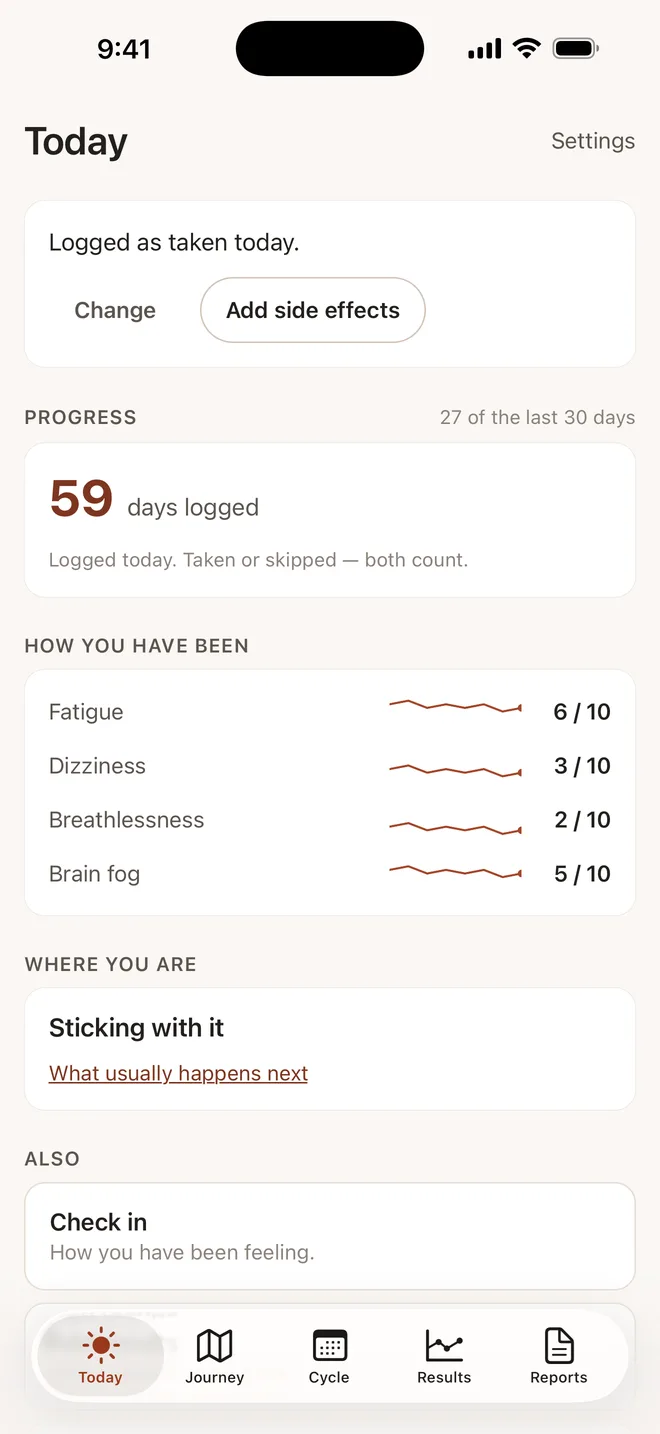
Paper works, and there is a free printable four-week tracker on the downloads page. FerroLady does the same thing on your phone, counts taken and skipped days both as logged, and puts the totals into a one-page summary you can share.